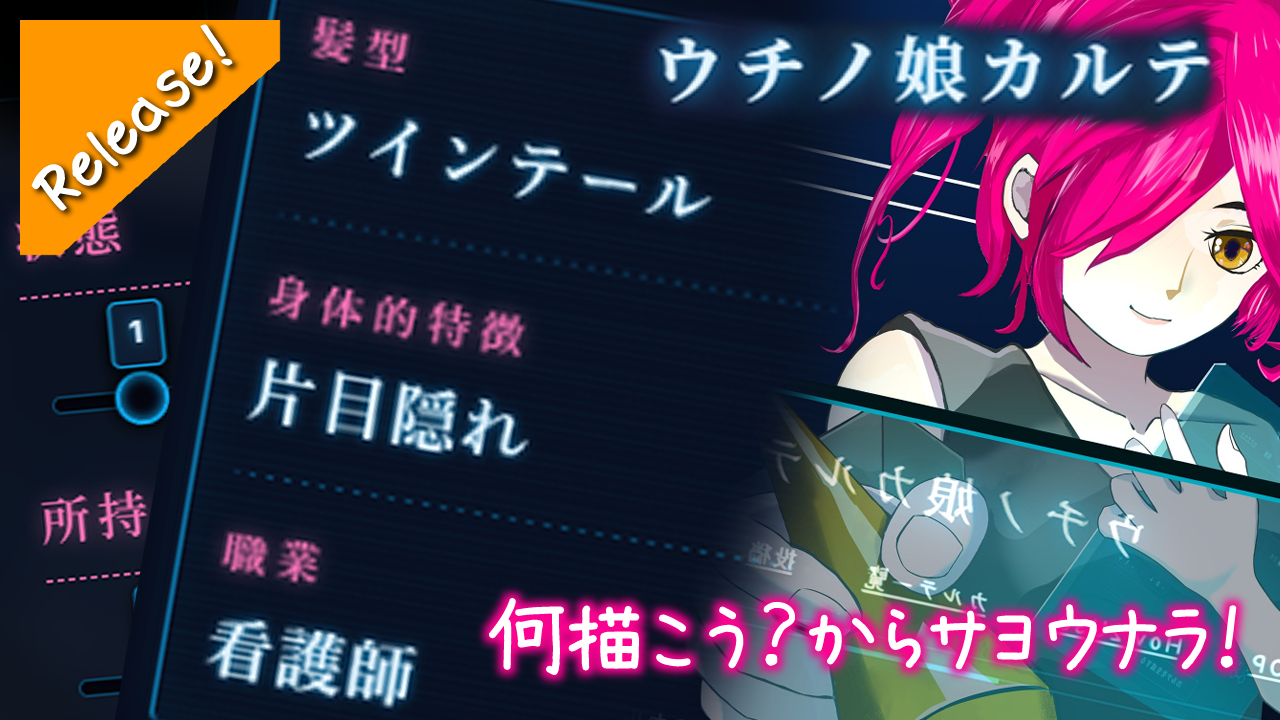
I wanna draw, but my mind is just blanking on ideas.
I always end up drawing characters with the exact same hairstyles and poses.
I lowkey wanna keep those generator results neatly alongside my actual artwork.
To solve these exact struggles for artists (mostly for myself tbh), I developed and released “Uchinoko-Karte” — an app that supports you all the way from the initial idea generation to posting your finished masterpiece! 🚀
The ‘Aha!’ Moment in One Click (Generator Feature) ✨

It’s basically a heavy-duty generator app, but when there are too many options, I always end up overthinking and just picking my usual favorite traits. It defeats the purpose and just causes more hesitation, you know?
I literally wanted zero thoughts head empty. So, I made it so you can only choose the gender. Just pick a gender, and it spits out a randomly generated “Karte” (medical record/profile) combining hairstyle, physical traits, and a job.
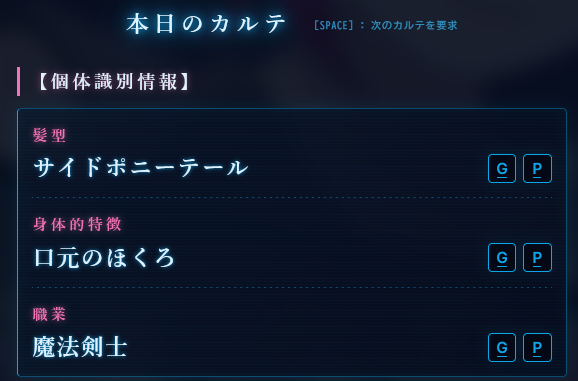
Hairstyles and physical traits are tied to the gender, while jobs are universal.
For jobs, there’s a mix of fantasy roles and real-world occupations. We got about 100 registered so far, and I might add more later.
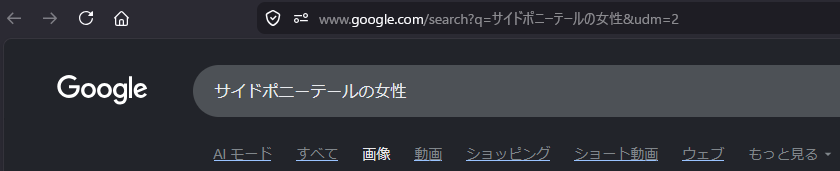
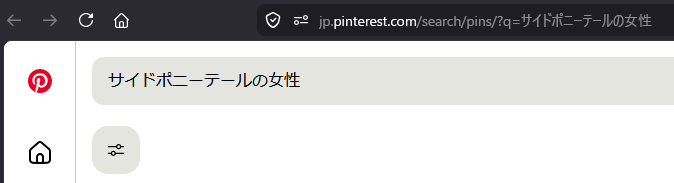
Btw, those ‘G’ and ‘P’ buttons next to each trait? They pop open a new window for Google Images and Pinterest searches respectively. (I won’t show the results here since they are just photos)
Sometimes text alone doesn’t spark the vibe, so I added this as a visual aid feature.
We Got Options Too 👀
Just physical traits can get a bit vanilla, so I made it so you can add “Status” (conditions) and “Items” as optional parameters. (Set it to 0-0 and they won’t show up)
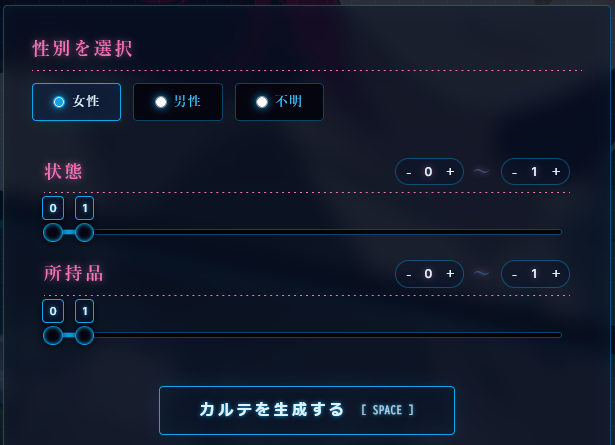
You can set anywhere from 0 to 16 items.
Setting 16 items would be an absolute mess, so 1 to 3 is probably the sweet spot. It spits out some wild combos, so rerolling a few times is honestly super fun.
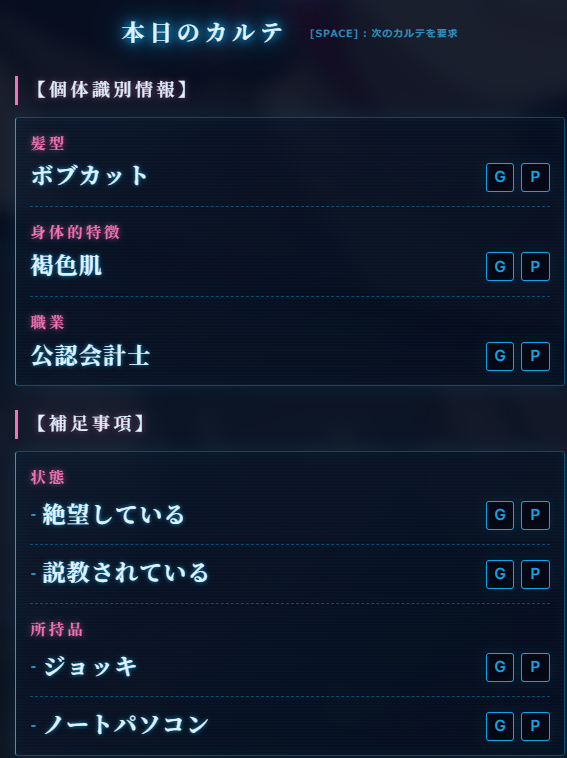
Something like 2 statuses + 1 to 3 items usually creates a pretty chaotic and hilarious scenario.
Once your Karte (prompt) is generated, just follow your inspiration (and your cultured tastes 👀) and let the pen fly!
Taking the Karte above as an example, you could draw a tanned, bob-cut certified public accountant lady who just spilled her entire beer mug onto her laptop and is now getting absolutely chewed out by her boss while sitting in pure despair.
Or maybe she was chilling at home, beer mug in one hand, operating her work laptop with the other, and in her drunken state, accidentally sent highly confidential company data to a random group chat. Her boss finds out instantly, starts blowing up her phone with angry calls, and she just freezes in absolute horror.
Just combining items and situations creates infinite possibilities, I swear.
Even just brainstorming the scenarios is ridiculously fun.
Draw & Share: The Artist’s Grind 🖼️
Once you’ve unleashed your delusions onto the canvas, it’s time to share it with the world.
Obviously, posting it to your own socials is the standard move.
But Uchinoko-Karte also has a built-in gallery feature where you can post your work directly on the site.
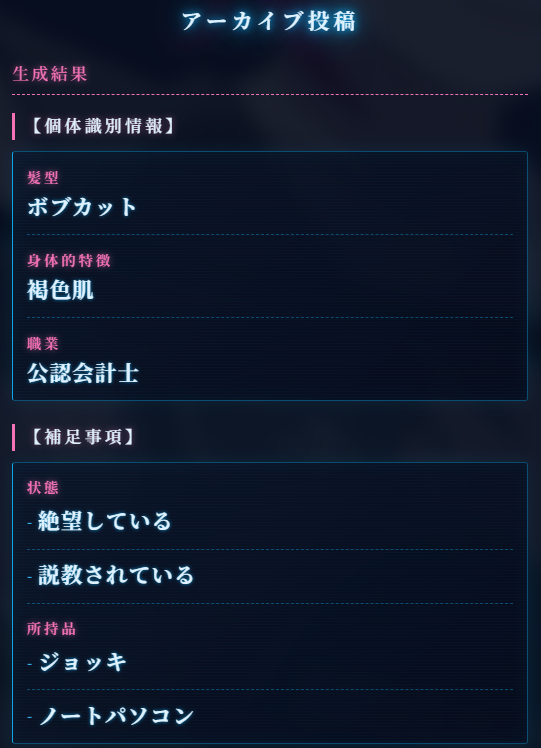
Hit the post button at the top of the screen, and you can upload your image alongside the very Karte that challenged you.
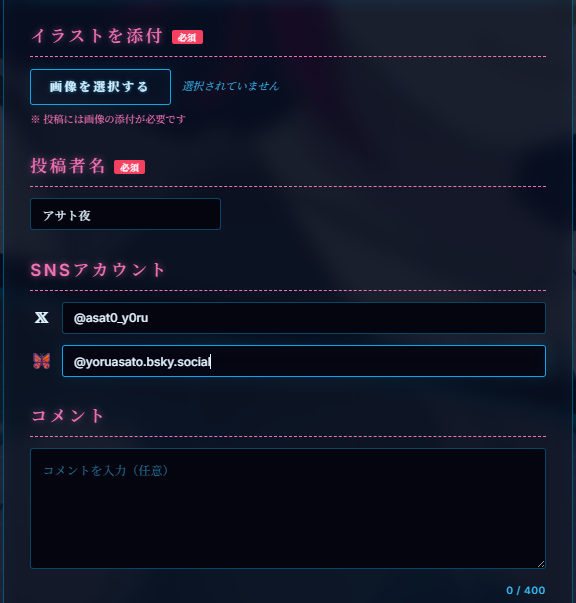
You can add your artist name (Uchinoko-Karte exclusive, free text), your SNS accounts (X and Bluesky), and a comment about your illustration (up to 400 chars).
The illustration and your name are mandatory, but the SNS accounts and comments are totally optional.
But hey, if you link your socials, people can trace back from the gallery to your accounts, which might lead to some cool new mutuals.
Of course, I totally get wanting to stay incognito sometimes, so feel free to fill it out however you vibe with!
A Few Ground Rules (Because Spammers Exist 💀)
There are a few caveats for the posting feature (detailed on the How2Use page). Since I’m running this solo, I had to implement Google or X account authentication before posting, strictly for security and anti-spam measures.
Please give the How2Use, Terms of Service, and Privacy Policy a quick read. But just so you know, your passwords are NEVER sent to Uchinoko-Karte, and since we don’t get them, we physically cannot store them. So please use the app with peace of mind!
Also, the art community can sometimes be a bit loose with NSFW warnings, but Uchinoko-Karte strictly enforces R-18 rules specifically for the gallery.
We have an age verification prompt on your first visit. Anyone under 18 is completely blocked from accessing images flagged for strong sexual/violent themes or high exposure.
Similarly, if an uploaded image trips these filters, it goes into a pending state. As of right now, it won’t be displayed in the gallery until I manually approve it.
If we just let anyone post unfiltered images, malicious trolls could flood the gallery with completely irrelevant or grotesque stuff for everyone to see. To prevent that nightmare, we’re using Google’s censorship system + manual approvals.
Hope you guys understand this part.
That being said, I’ll probably approve the vast majority of genuine illustrations submitted.
Browsing the Masterpieces 💖
You can browse the submitted illustrations right from the gallery on the top page.
Images that get caught in the auto-filter will have to wait for my approval, but wholesome (safe) illustrations go live instantly.
Right now, literally no one knows about Uchinoko-Karte except me, so obviously there are no posts from anyone else. But I’d be absolutely thrilled to see this place packed with everyone’s art someday.
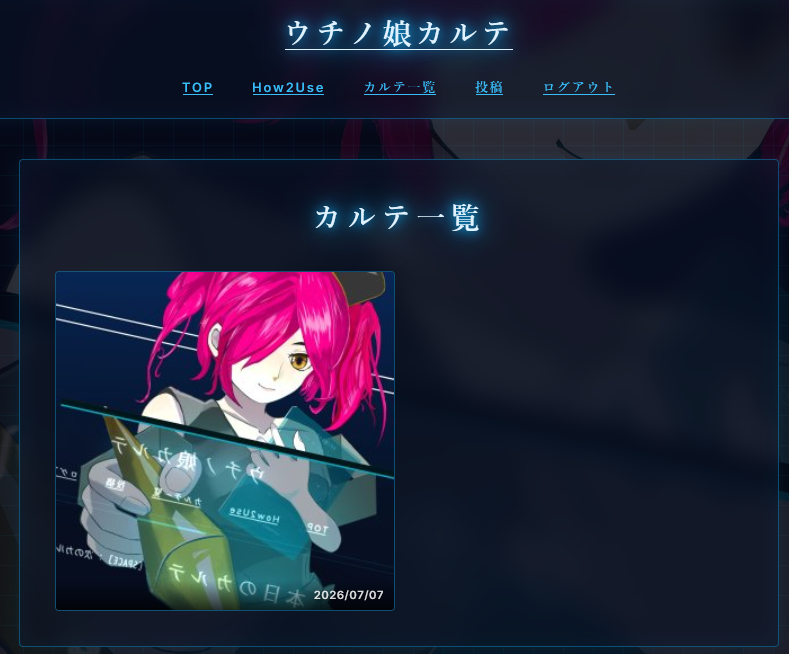
These images act as thumbnails. Click on them, and you’ll jump to the detail screen.
The screenshot is a bit small so it might be hard to see, but the detail page displays your illustration along with your comments, looking exactly like a single-page medical record.
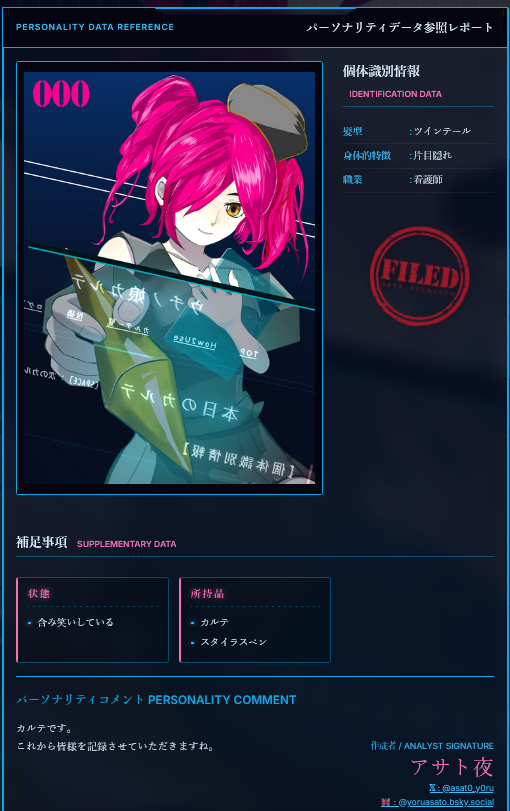
If you linked your SNS accounts when posting, links to those profiles will show up in the bottom right corner of this page.
If Uchinoko-Karte ever blows up, it might just become a great source of new followers for you.
Also, right after you post (and only right after), social sharing buttons will pop up at the bottom of the detail screen.
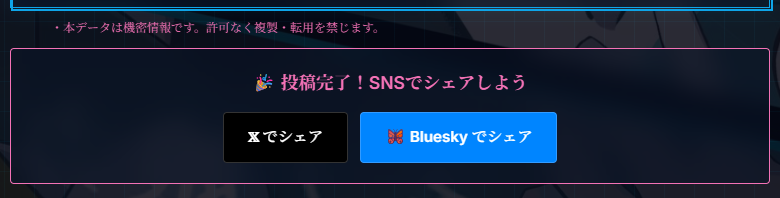

It’ll take you to the post screen on your respective SNS, with the hashtags and the URL to your Karte’s detail page already auto-filled.
I’d love it if you guys used this to help spread the word about Uchinoko-Karte!
Whenever you’re stuck on what to draw, definitely try generating a Karte and play around with it!
Behind the Scenes (Dev Talk) 🛠️
This part might be a bit dry for those who just wanna draw, but since I built this whole thing, I wanna leave some logs about my struggles and memories here.
Like I mentioned earlier, the whole concept started from my own selfish desire. Brainstorming what to draw is usually a massive pain, and I just wanted something to feed me good prompts.
Luckily, the system architecture is super simple, so I actually got the core service up and running pretty fast. But when I thought about making it public, the absolute biggest nightmare was dealing with spam and trolls.
Back when I built BBS systems, most spammers were just ad bots dropping URLs in the comments. I could literally just strip all URLs from their posts, making their spam completely meaningless. But since this is an image board, I couldn’t just half-ass the moderation.
The vast majority of uploaded images will be illustrations that people poured their hearts into. I know damn well how much effort goes into a single piece of art, so I needed to treat these submissions with the utmost respect.
I absolutely couldn’t let some weird photos or troll images ruin the gallery where people posted their hard work. But I also can’t babysit the app 24/365. I was racking my brain trying to figure out a solution.
That’s when I found the Google Cloud Vision API, which powers Google’s SafeSearch.
If I can’t moderate everything myself, why not just let Google do it? That was my big brain moment.
The plan worked like a charm, but one thing caught me completely off guard: Google’s censorship is way stricter than I thought.
It is incredibly ruthless, especially when it comes to sexual/violent themes or borderline cases (like high skin exposure).
Initially, I was planning to just auto-reject everything that got flagged, but that was so strict that practically nothing could get posted.
So as a desperate workaround, I switched to a manual approval style.
The approval system itself is super basic. If a post gets flagged by SafeSearch, I get an email, and I can just approve it through my admin dashboard on my phone.
I set it up so I can approve things from my phone just so I can process them as fast as possible.
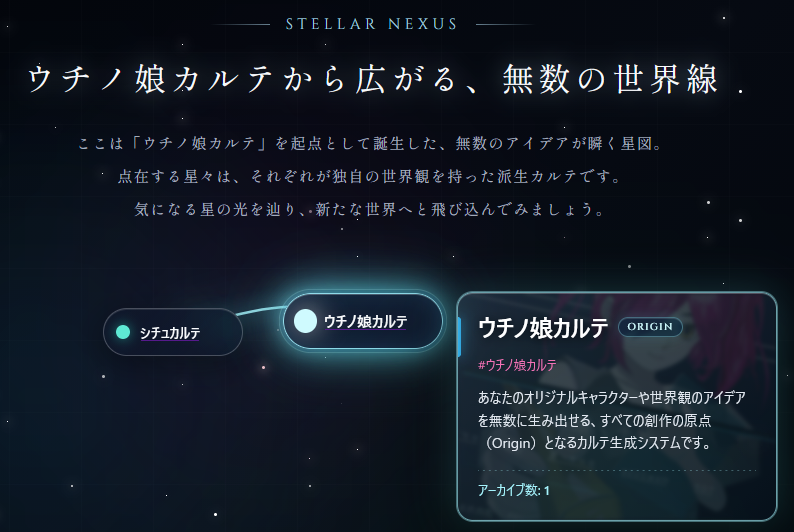
There are other things too, like how I totally half-assed the admin UI, or the struggles I had designing the Descendant (child site) layouts. But this blog is mainly for my art logs and random thoughts about illustration, so I might talk about the dev stuff separately if enough people are actually interested.
Tbh, there are still a bunch of features I haven’t fully introduced yet. But for now, I just wanna post a ton of my own Kartes, get some eyes on the app, and start thinking about derivative features, what I can do next, and my future roadmaps.
Comment