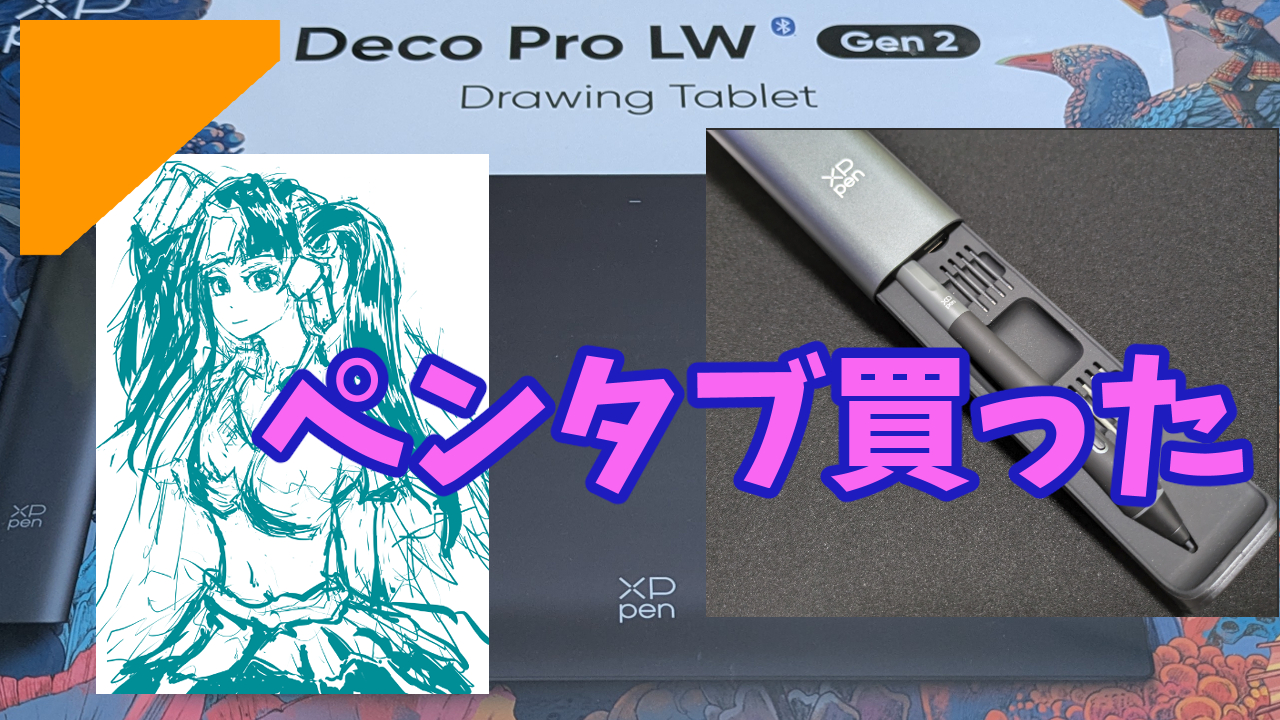
I’ve been using a screen tablet (pen display) ever since I started drawing, but I finally decided to make the switch to a regular pen tablet (pen tablet without a screen).
My Old Screen Tablet 🖥️
Back during the COVID lockdowns when I had too much free time, I impulse-bought an XP-Pen Artist 12 Pro just to try out drawing, and I’ve been using it ever since.

When I first got it, it had a factory defect where the screen flickered non-stop. I used to draw while raging at it, which is honestly a funny memory now lol.
I ended up contacting XP-Pen support, and they swapped it out for a refurbished one. That actually made me kinda like their customer service, and I never really had any complaints about how the tablet felt to use.
I Actually Bought a Pen Tablet Before 🤫
That being said, I was always lowkey curious about normal pen tablets, so I actually bought a cheap one a while back.
Since I had a good experience with their support, I figured I should stick with XP-Pen for my non-screen tablet too.
And that was the Deco L.

I managed to snag it for under 10k JPY during a sale.
I totally planned on practicing with it, but my kid, who was getting into digital art, ended up stealing it from me. It vanished from my desk after like two or three uses… RIP.
But hey, they look like they’re having a blast drawing, so it’s all good.
Anyway, since my replacement Artist 12 Pro didn’t have any issues and didn’t hold me back from drawing, I just kept using it all this time.
Even now, it’s not broken or anything. It’s still totally a daily driver.
So you might be wondering, “Why upgrade now?” Well, tbh, my *actual physical body* started having issues, and after agonizing over it, I finally made the call.
I Can’t See the Damn Screen 👓
I literally can’t see.
I can’t see the lines of the drawing I’m currently working on.
Yep, you guessed it—presbyopia (aging eyes) has entered the chat.
Lately, the aging of my eyeballs has rapidly accelerated, and I straight-up can’t focus on things up close anymore man!
Trying to draw illustrations when you can’t even see the drawing clearly is a pretty fatal flaw.
Thankfully, I can see perfectly fine when looking at my main PC monitor. So I figured, guess I have no choice but to ditch the screen tablet and move to a regular pen tablet.
And that was the deciding factor.
The Tablet I Had My Eye On 👀
Even after my kid yoinked the Deco L, I kept peeking at the XP-Pen official site, and there was one tablet that kept catching my eye.
Since the Deco L is cheap, I could’ve just bought another one… but you know how it is, you always start looking at the higher-end stuff.
Boys will be boys.
And that was the Deco Pro LW (Gen2).

Since I had completely disabled all the shortcut keys on my Artist 12 Pro anyway, the Deco Pro’s clean, buttonless design looked super appealing to me.
Plus, it just looks stylish af.
I probably won’t be able to fully utilize their boasted 16K pressure sensitivity, but with the sleek look, the slightly thinner pen, and some mysterious but awesome-sounding tech inside… the reviews online seemed really solid too.
I’d been checking it out every time Amazon had a sale, and with my eyeball situation getting worse, I finally pulled the trigger during the recent Smile Sale.
As for the size, I thought about going big, but the XLW would definitely take up way too much space on my desk. So I went with the LW (the middle size), which is basically the same size as my Artist 12 Pro.
Btw, I’ve been tracking past sales, and as of June 2025, 17% off on Amazon is pretty much the lowest price it hits.
It came out to 20,680 JPY with tax.
Trying It Out 🖊️
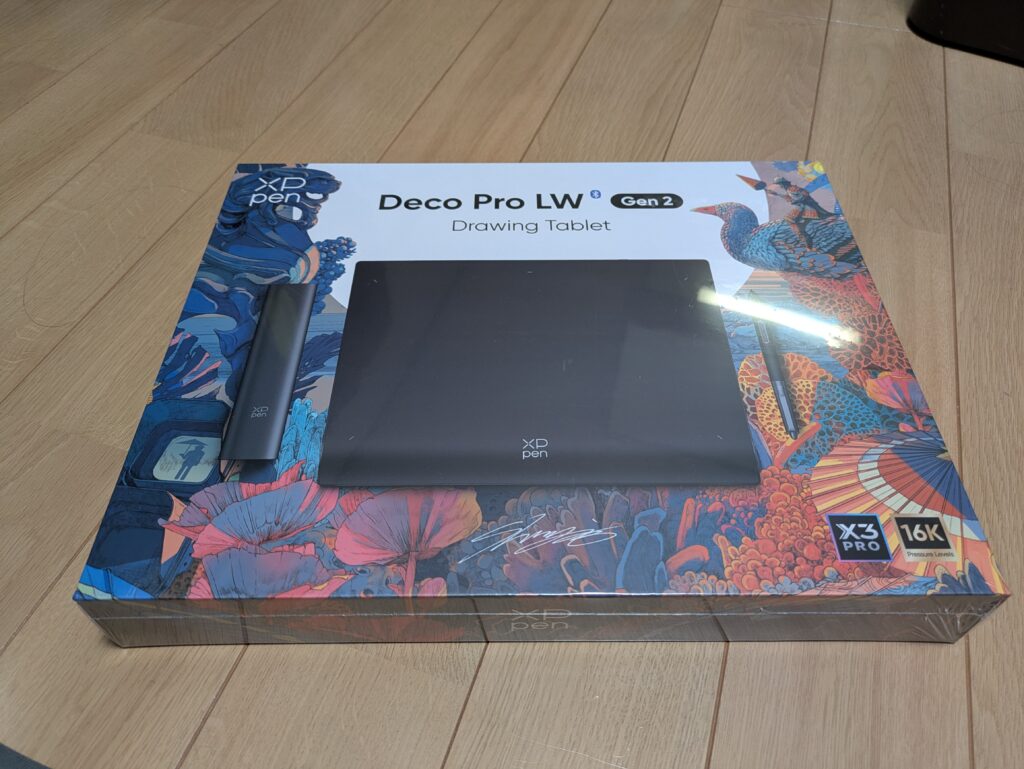
The new tablet arrived just 2 days after I hit buy.
I took a bunch of photos, but since it’s a pretty popular product, there are already tons of unboxing and review videos on YouTube, so I’ll skip all that.
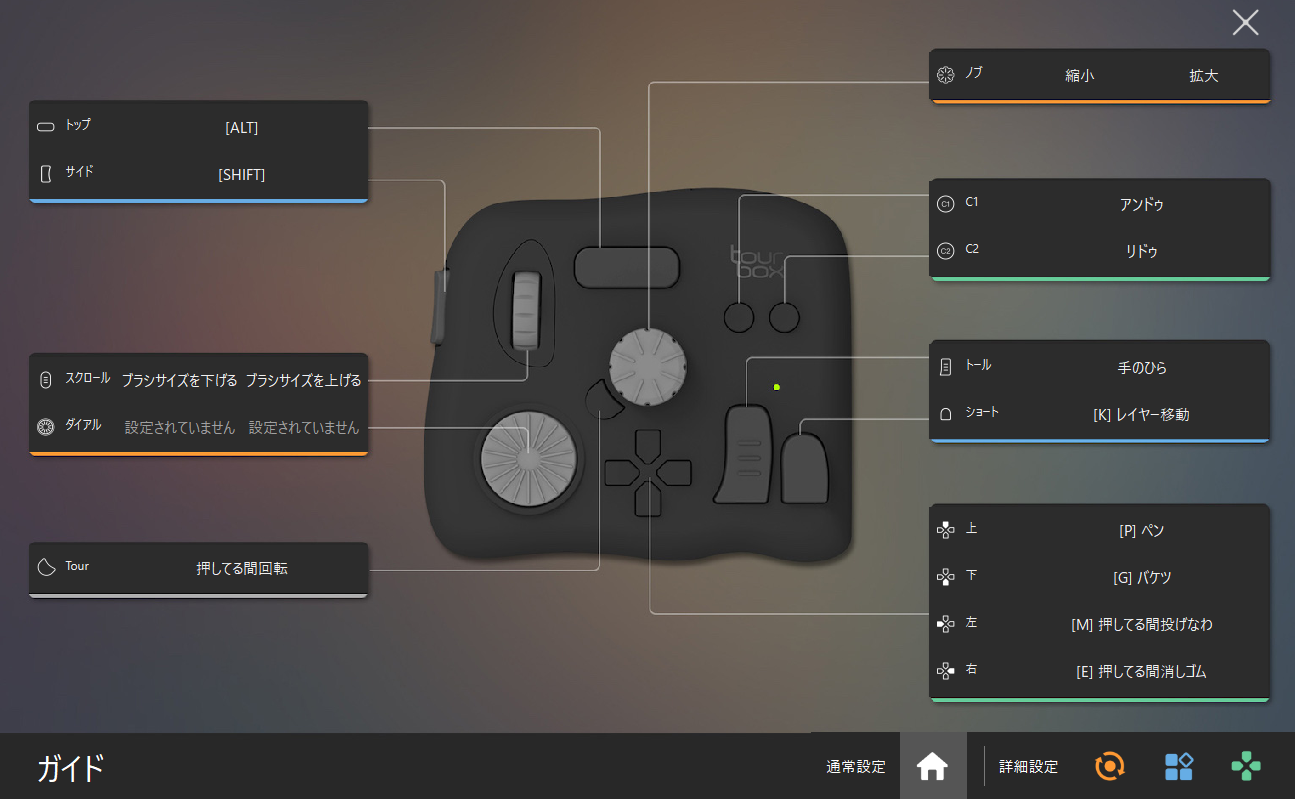
Since the tablet itself has no shortcut keys, it actually comes with a left-hand device. But since I already use a TABMATE, I literally just put it back in the box without ever connecting it lol.
After sorting out all the cables and drivers, I booted up Clip Studio Paint (CSP)!
Because I’d been using a screen tablet, my line of sight and my drawing hand always matched up perfectly. But with a regular pen tablet, your hand and your eyes are completely disconnected.
The weirdness is off the charts.
Still, that smooth feeling of the lines appearing on the screen as you draw is pretty great.
The pen itself feels really nice too—just that classic feeling of dragging a pen across a tablet surface, I guess.
It’s hard to describe, but it’s very different from the feeling of a plastic pen tip gliding over the glass screen of a display tablet. It has its own unique tactile feedback.
If I had to compare it, it kinda reminds me of pressing a hard crayon against a desk.
Overall, the drawing feel is super satisfying.
“Feels Good” Doesn’t Mean “Draws Well” 🙃
The pen feels great. BUT… because I used to just draw exactly what I saw, the difference in zoom scaling, the disconnect between my eyes and my hand, and a bunch of other factors mean I absolutely cannot draw lines like I used to.
I literally can’t even draw a straight line right now!
I think the scaling difference is the biggest issue. On a screen tablet, if you want to draw a 5cm line, you physically move your pen 5cm.
But on a regular tablet, the active area and your monitor size are completely different. So if I want to draw a 5cm line on the screen, I might only need to move my pen 3cm. That massive gap in muscle memory is the main reason I’m struggling so hard.
Probably, anyway.
So here I am on day 2 of my official pen tablet debut, and I completely lost the ability to draw what I want lol.
Testing with Gesture Drawing 🎨
I figured I should try drawing *something* on the first day, so here are the results of my gesture drawing practice.
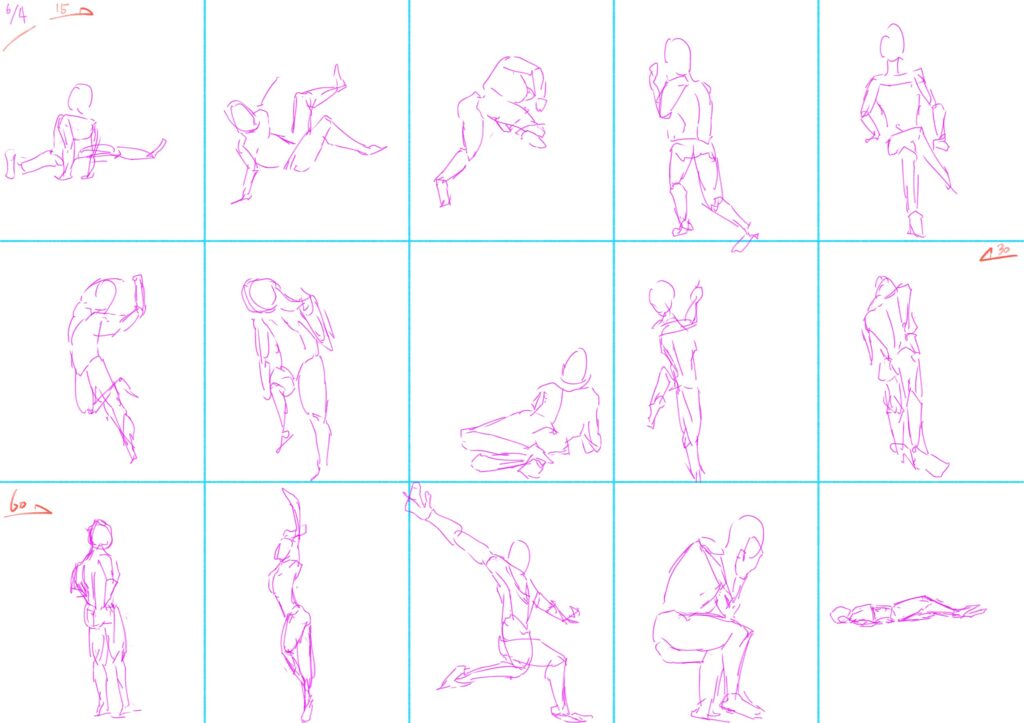
Yeah, they look absolutely terrible lol!
Even factoring in that I haven’t done gesture drawing in a while, I still couldn’t get the lines to go where I wanted.
For comparison, here are the gesture drawings I did last month.
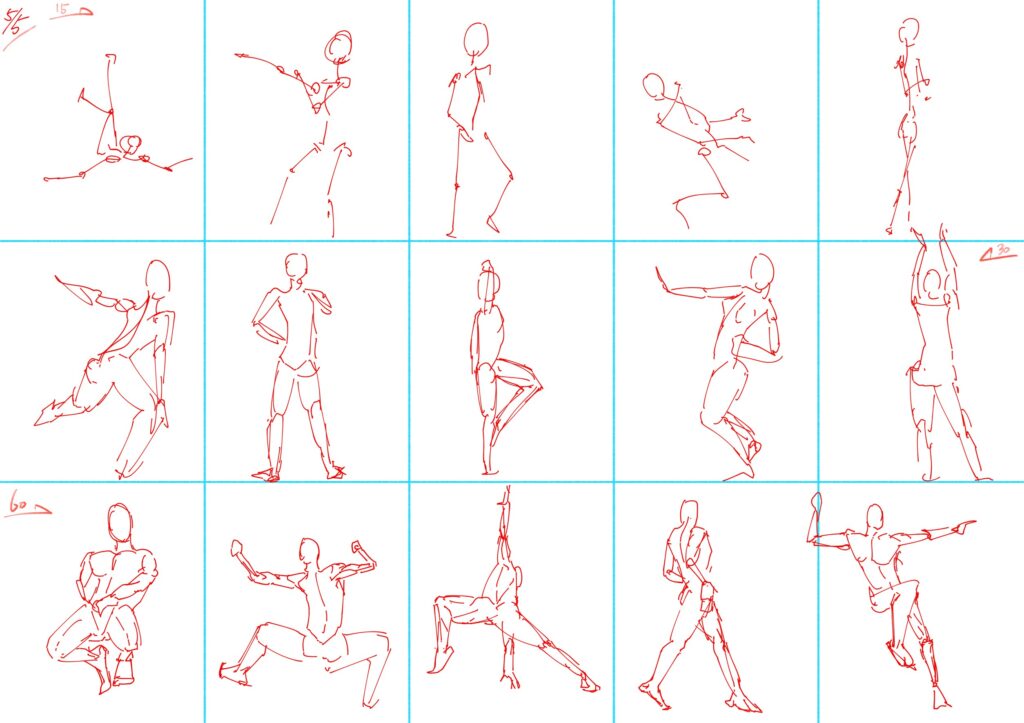
You can see a huge difference in the 60-second ones. The 30-second ones from last month are still pretty bad though…
Gonna need to do some serious drawing rehab.
Fundamentals are important.
Some Progress on Day 2 📈
Here’s a rough sketch I hastily threw together on day 2. I was totally relying on muscle memory, but I think it looks a bit better than yesterday.

I didn’t use a reference or anything for her, just drew completely by feel based on vibes.
I guess she’s technically an OC?
I was lowkey despairing when I did those gesture drawings the day before, but I feel like I’m slowly starting to get the hang of drawing lines.
Tbh, it’s definitely going to take a long time before I can draw exactly the lines I’m picturing in my head.
I really want to resume the illustration I left halfway done, but if I try it right now, it’s probably gonna end up looking super cursed. I think I’ll stick to fundamentals and character practice for a bit before going back to it.
Can’t wait for the weekend when I actually have time to grind this out!

Comment